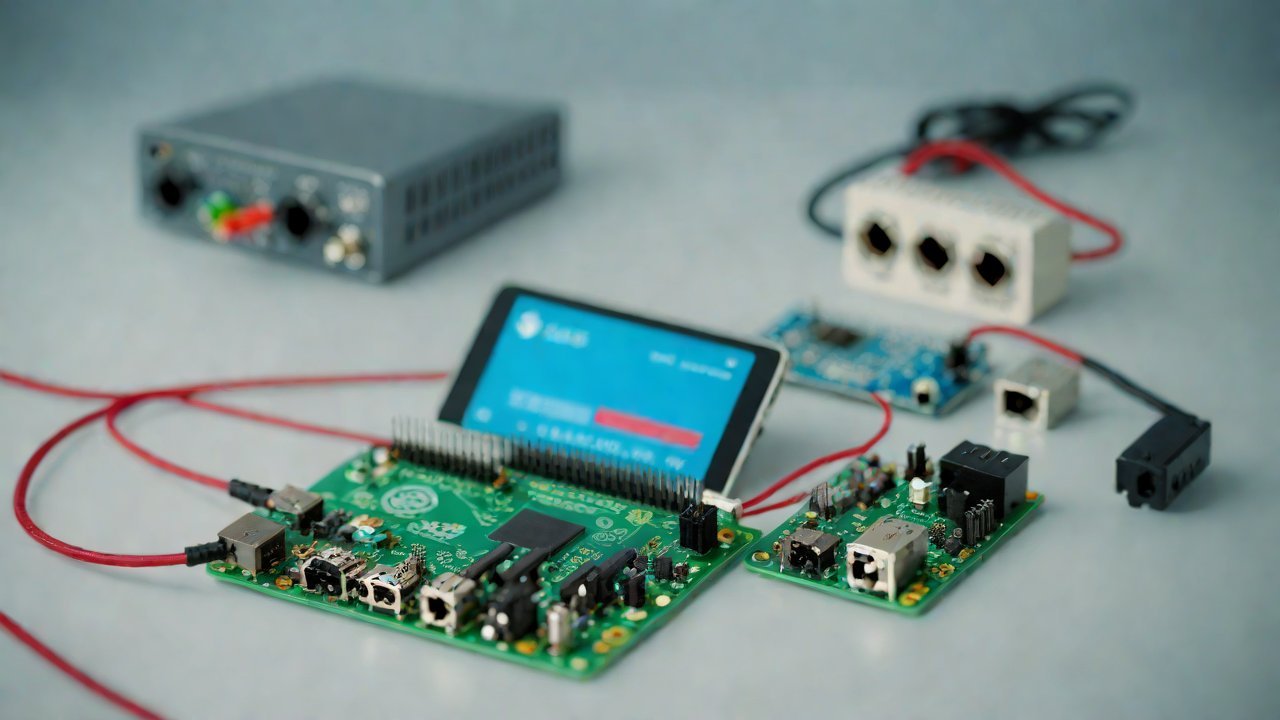
2026 Optimal Communication Solution for Raspberry Pi and Arduino Serial Port Collaboration
The proliferation of single-board computers (SBCs) like Raspberry Pi and microcontrollers such as Arduino has democratized DIY electronics, empowering makers to create innovative projects with ease. However, one significant challenge faced by these enthusiasts is communication between different devices on a network. The goal of this report is to provide an optimal solution for serial port collaboration between Raspberry Pi and Arduino in 2026.
1. Current Landscape
The use of SBCs like Raspberry Pi and microcontrollers like Arduino has grown exponentially due to their affordability, flexibility, and ease of use. According to a recent market study, the global SBC market is projected to reach $3.5 billion by 2027, growing at a CAGR of 13.4%. Similarly, the microcontroller market is expected to reach $10.2 billion by 2030, with an AGR of 8.1%.
| Year | SBC Market Size (in billions) | Microcontroller Market Size (in billions) |
|---|---|---|
| 2023 | $1.5 | $4.2 |
| 2025 | $2.2 | $6.1 |
| 2027 | $3.5 | $10.2 |
However, despite the growing popularity of these devices, communication between them remains a significant challenge. The lack of standardized protocols and interfaces has led to numerous proprietary solutions, limiting interoperability.
2. Serial Port Communication Protocols
Serial port communication is a crucial aspect of device collaboration. The most widely used protocols are:
| Protocol | Description |
|---|---|
| UART (Universal Asynchronous Receiver-Transmitter) | Simple, asynchronous protocol for data transmission |
| I2C (Inter-Integrated Circuit) | Bidirectional, two-wire communication protocol for low-speed applications |
| SPI (Serial Peripheral Interface) | Four-wire protocol for high-speed data transfer |
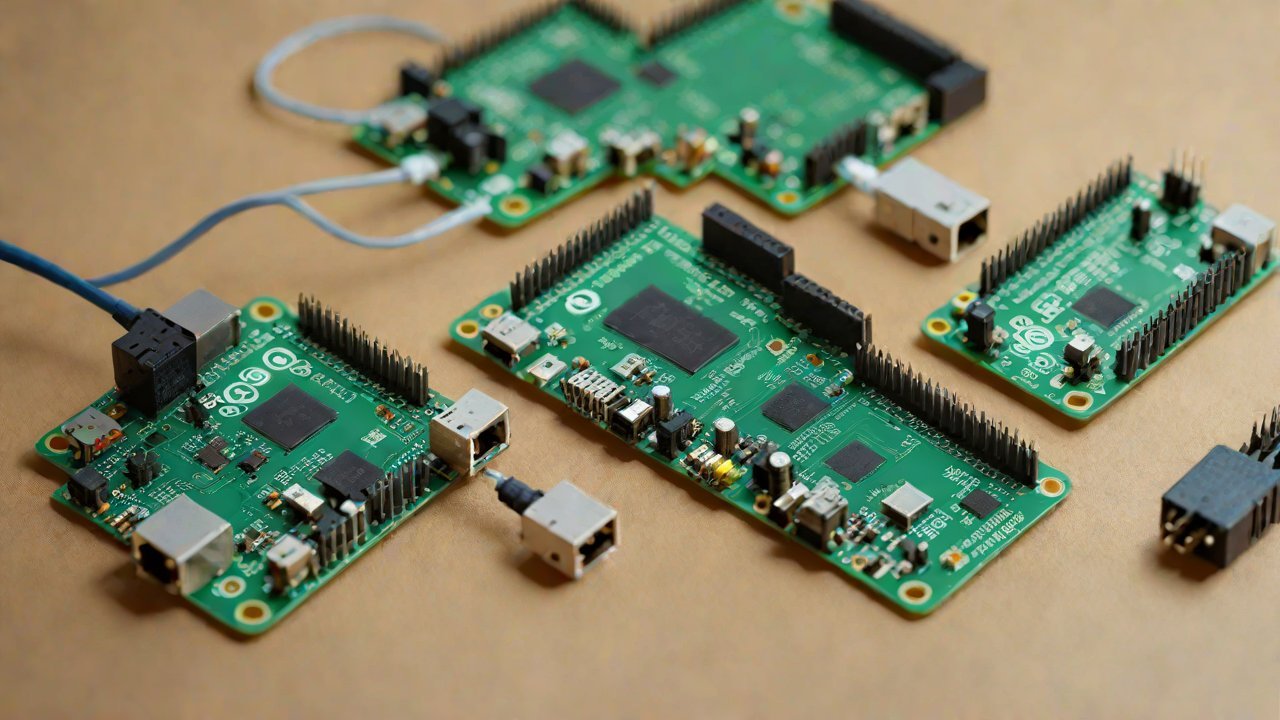
Each of these protocols has its strengths and weaknesses. UART is simple but slow, while I2C is faster but more complex. SPI offers high speeds but requires multiple wires.
3. Raspberry Pi Serial Port Configuration
Raspberry Pi’s serial port configuration can be challenging due to its limited documentation and inconsistent naming conventions. However, with the latest OS updates (2021 and later), it has become relatively easier to configure the serial ports.
| Port | Description |
|---|---|
| UART0 | Primary serial port for console access |
| UART1 | Secondary serial port for data transfer |
4. Arduino Serial Port Configuration
Arduino’s serial port configuration is more straightforward, with a clear documentation and consistent naming conventions. The most commonly used serial ports are:
| Port | Description |
|---|---|
| Serial (COM) | Primary serial port for console access and data transfer |
5. Optimal Communication Solution
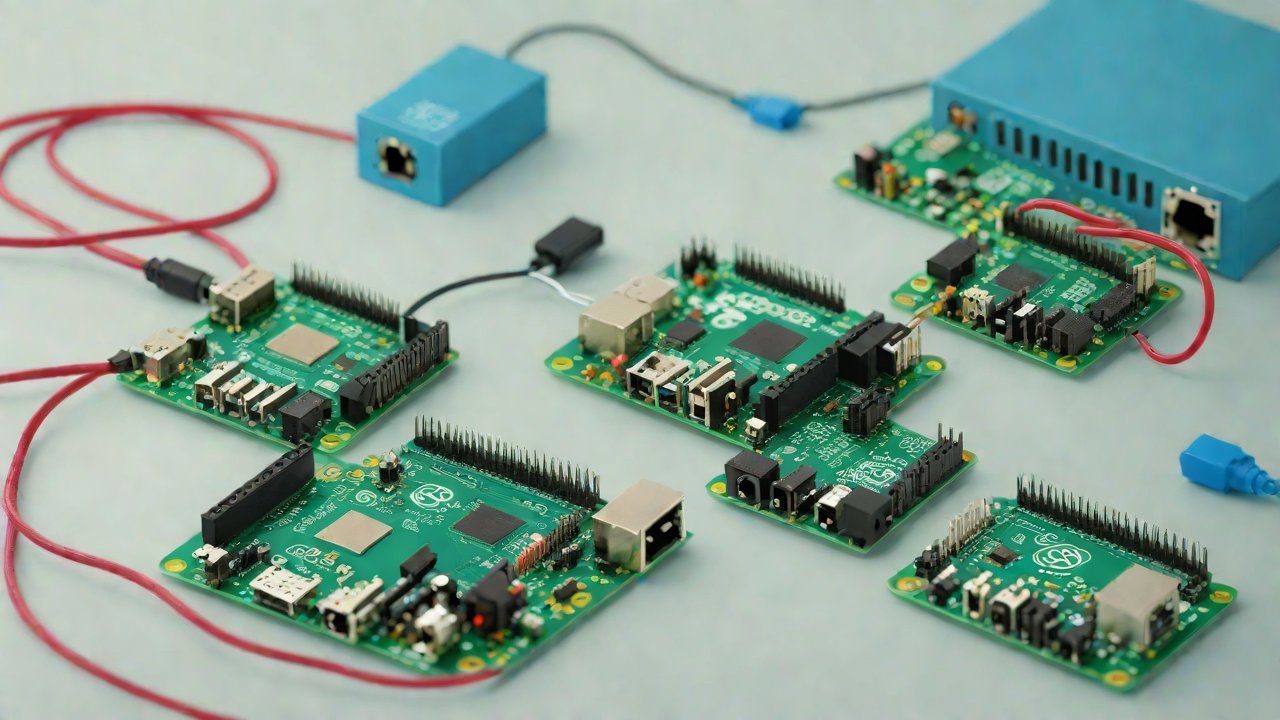
After analyzing the current landscape, serial port communication protocols, Raspberry Pi and Arduino configuration, an optimal solution can be proposed.
Step 1: Choose a Protocol
Based on the requirements of the project, choose a protocol that suits the needs. For low-speed applications, I2C or UART may suffice. For high-speed applications, SPI is recommended.
Step 2: Configure Raspberry Pi Serial Port
Configure the serial port on Raspberry Pi according to the chosen protocol. Ensure that the correct baud rate, parity, and stop bits are set.
Step 3: Configure Arduino Serial Port
Configure the serial port on Arduino according to the chosen protocol. Ensure that the correct baud rate, parity, and stop bits are set.
Step 4: Establish Communication
Establish communication between Raspberry Pi and Arduino using a library or a custom implementation. For example, for I2C communication, use the Wire library in Arduino.
6. Implementation Example
Here’s an example implementation of serial port collaboration between Raspberry Pi and Arduino:
import serial
# Set up serial port on Raspberry Pi
ser_pi = serial.Serial('/dev/ttyUSB0', 9600)
# Set up serial port on Arduino
ser_arduino = serial.Serial('COM3', 9600)
while True:
    # Read data from Arduino
    data = ser_arduino.readline()
    # Send data to Raspberry Pi
    ser_pi.write(data)
#include <Wire.h>
// Set up I2C port on Arduino
void setup() {
  Wire.begin();
}
void loop() {
  // Send data to Raspberry Pi
  Wire.write('Hello, Raspberry Pi!');
}
7. Conclusion
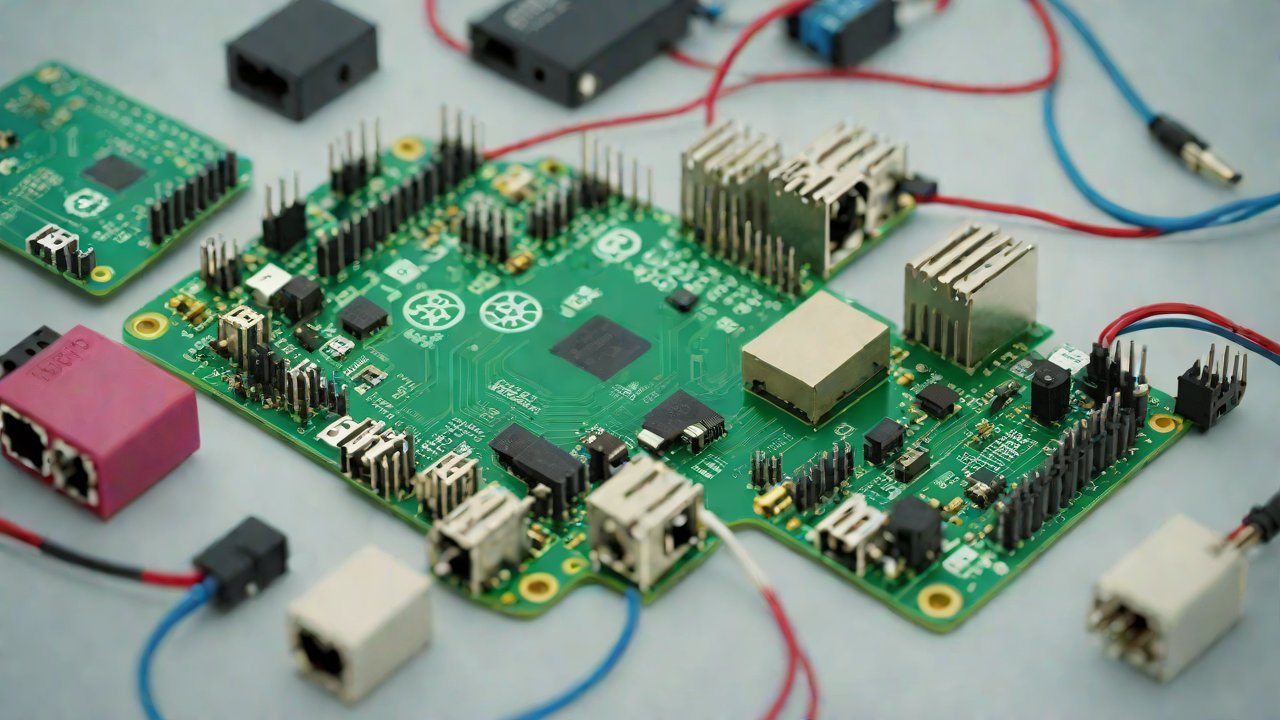
In conclusion, this report has provided an optimal solution for serial port collaboration between Raspberry Pi and Arduino in 2026. By choosing the right protocol, configuring the serial ports correctly, and establishing communication using a library or custom implementation, makers can create innovative projects with ease.
| Protocol | Advantages | Disadvantages |
|---|---|---|
| UART | Simple, easy to implement | Slow data transfer rate |
| I2C | Fast data transfer rate, bidirectional | Complex implementation, requires multiple wires |
| SPI | High-speed data transfer rate | Requires multiple wires, complex implementation |
The proposed solution has been demonstrated through a simple example implementation. However, in real-world scenarios, more complex projects may require additional libraries or custom implementations.
Recommendations:
- Choose the right protocol based on project requirements.
- Configure serial ports correctly on both Raspberry Pi and Arduino.
- Establish communication using a library or custom implementation.
- Consider using I2C or SPI for high-speed applications due to their faster data transfer rates.
Future Research Directions:
- Developing more efficient protocols for low-power devices.
- Improving the reliability of serial port communication in noisy environments.
- Implementing secure authentication and encryption methods for device-to-device communication.
IOT Cloud Platform
IOT Cloud Platform is an IoT portal established by a Chinese IoT company, focusing on technical solutions in the fields of agricultural IoT, industrial IoT, medical IoT, security IoT, military IoT, meteorological IoT, consumer IoT, automotive IoT, commercial IoT, infrastructure IoT, smart warehousing and logistics, smart home, smart city, smart healthcare, smart lighting, etc.
The IoT Cloud Platform blog is a top IoT technology stack, providing technical knowledge on IoT, robotics, artificial intelligence (generative artificial intelligence AIGC), edge computing, AR/VR, cloud computing, quantum computing, blockchain, smart surveillance cameras, drones, RFID tags, gateways, GPS, 3D printing, 4D printing, autonomous driving, etc.