How to Build an Open-Source IoT Geographic Information System (GIS) Using Raspberry Pi?
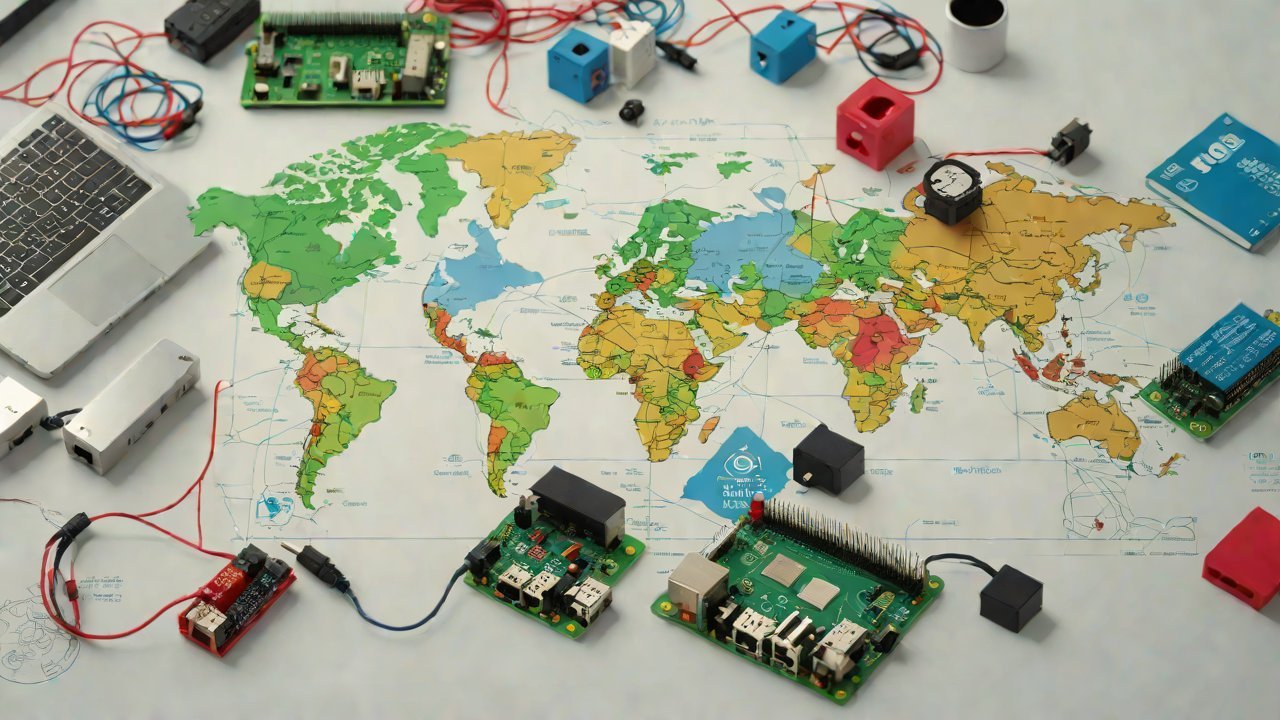
An open-source IoT geographic information system (GIS) built on a Raspberry Pi can be a cost-effective and efficient solution for various applications, from environmental monitoring to urban planning. This report will guide you through the process of building such a system, leveraging the capabilities of the Raspberry Pi and relevant open-source tools.
1. Choosing the Right Components
1.1 Hardware Requirements
| Component | Description |
|---|---|
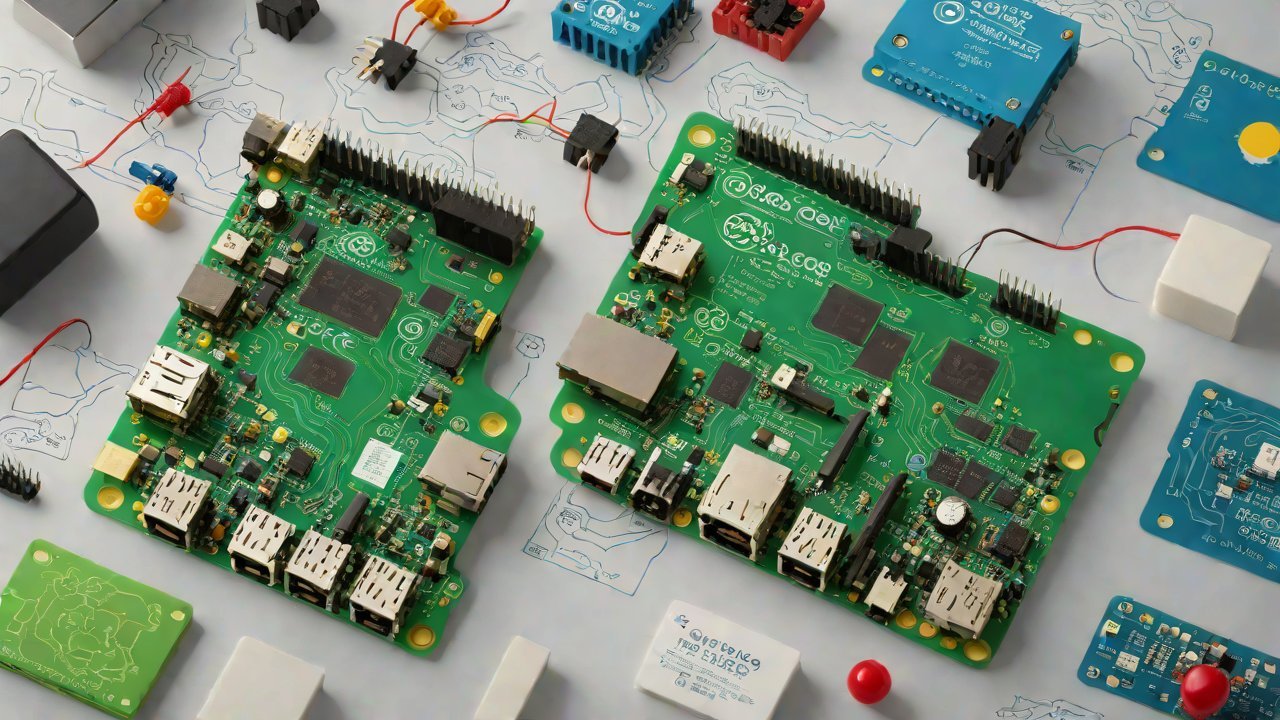
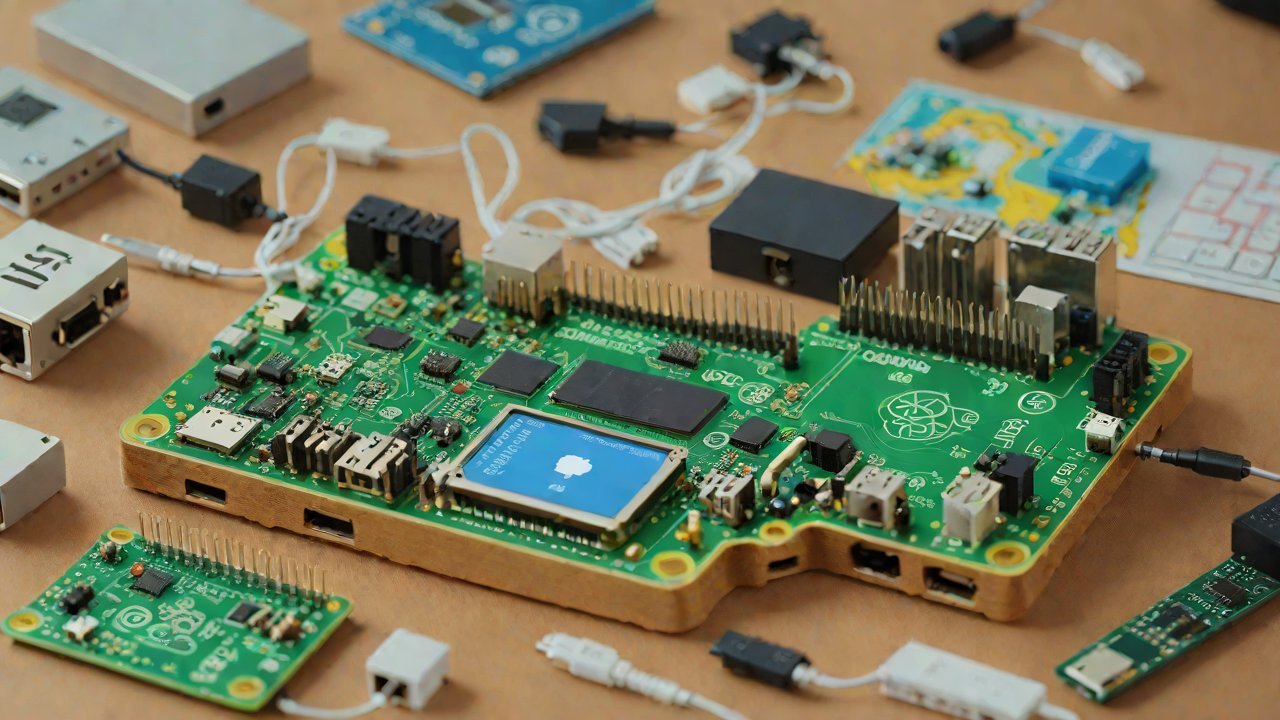
| Raspberry Pi Model B+ | A low-cost, high-performance single-board computer |
| GPS Module (e.g., Adafruit’s Ultimate GPS Breakout) | For geolocation and tracking |
| Accelerometer (e.g., Adafruit’s 9-DOF IMU Fusion Board) | For motion sensing and orientation |
| MicroSD Card (at least 8GB) | For storing the operating system, applications, and data |
1.2 Software Requirements
| Component | Description |
|---|---|
| Raspbian OS | A free operating system based on Debian for Raspberry Pi |
| OpenCV | A computer vision library for image processing and analysis |
| GDAL (Geospatial Data Abstraction Library) | For geospatial data management and processing |
2. Setting Up the Hardware
2.1 Connecting GPS and Accelerometer Modules
Connect the GPS module to the Raspberry Pi’s GPIO pins, ensuring proper power supply and signal routing. Similarly, connect the accelerometer module to the GPIO pins.
2.2 Mounting the GPS Module
Mount the GPS module on a suitable surface, such as a flat plate or a magnetic base, for optimal reception.
3. Configuring the Operating System
3.1 Installing Raspbian OS
Download and install the Raspbian OS on the MicroSD card using the official Raspberry Pi Imager tool.
3.2 Configuring Network Settings
Configure the network settings to enable remote access and data transfer.
4. Integrating Open-Source Tools
4.1 Installing GDAL
Install the GDAL library using the package manager (e.g., apt-get).
4.2 Configuring OpenCV
Configure the OpenCV library for image processing and analysis.
5. Developing the IoT GIS Application
5.1 Designing the Database Schema
Design a database schema to store geospatial data, including points of interest, boundaries, and attributes.
5.2 Implementing Data Acquisition and Processing
Implement data acquisition from various sources (e.g., GPS, accelerometer) and process it using OpenCV and GDAL libraries.
6. Deploying the IoT GIS Application
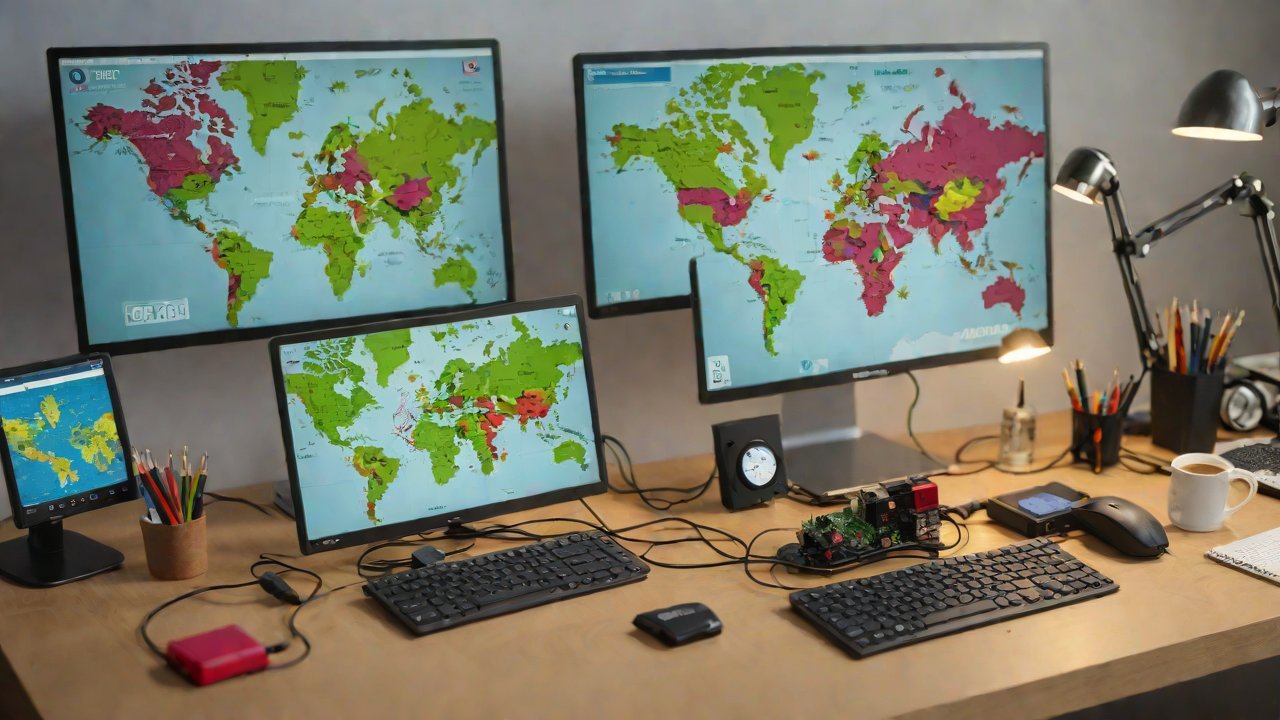
6.1 Setting Up a Web Interface
Set up a web interface using a framework like Flask or Django to visualize geospatial data.
6.2 Configuring Data Transfer Mechanisms
Configure mechanisms for data transfer between the Raspberry Pi and remote servers (e.g., FTP, SFTP).
7. Monitoring and Maintenance
7.1 Setting Up Alerts and Notifications
Set up alerts and notifications for system failures or anomalies using tools like IFTTT or Zapier.
7.2 Conducting Regular Updates and Backups
Conduct regular updates of the operating system and applications, as well as backups of critical data.
8. Conclusion
Building an open-source IoT GIS using a Raspberry Pi is a feasible and cost-effective solution for various applications. By following this report’s guidelines and leveraging the capabilities of relevant open-source tools, you can develop a robust and efficient geospatial information system.
9. Future Developments
Future developments in the field of IoT GIS include:
- Integration with other open-source projects (e.g., QGIS, GRASS)
- Development of more advanced algorithms for data processing and analysis
- Expansion to support multiple platforms and devices
IOT Cloud Platform
IOT Cloud Platform is an IoT portal established by a Chinese IoT company, focusing on technical solutions in the fields of agricultural IoT, industrial IoT, medical IoT, security IoT, military IoT, meteorological IoT, consumer IoT, automotive IoT, commercial IoT, infrastructure IoT, smart warehousing and logistics, smart home, smart city, smart healthcare, smart lighting, etc.
The IoT Cloud Platform blog is a top IoT technology stack, providing technical knowledge on IoT, robotics, artificial intelligence (generative artificial intelligence AIGC), edge computing, AR/VR, cloud computing, quantum computing, blockchain, smart surveillance cameras, drones, RFID tags, gateways, GPS, 3D printing, 4D printing, autonomous driving, etc.